Press
Press kit
Facts, descriptions, logos and screenshots for writing about CaseCite. You may use everything on this page in coverage of the project.
Media contact
Descriptions
Copy as written or shorten as needed.
One line
CaseCite is an open-source, self-hosted legal research platform.
About CaseCite (boilerplate)
CaseCite is an open-source, self-hosted legal research platform for law firms. Firms upload their own documents, ask questions and get answers with citations to the source, review and compare contracts, draft documents, and look up cases and judges through CourtListener. CaseCite runs on the firm's own servers, uses the firm's own AI provider keys, and sends no data to its maintainers. It is free under the Apache License 2.0. Source code and install instructions are at github.com/thomasunise/casecite. Learn more at casecite.co.
Fact sheet
- Name
- CaseCite
- What it is
- Legal research and document analysis software that a firm installs on its own servers
- License
- Apache License 2.0. Versions up to 1.3.0 were released under the Elastic License 2.0.
- Price
- Free. Firms pay for their own hosting and AI usage.
- Maintainer
- Thomas Unise
- Source code
- github.com/thomasunise/casecite
- Stars on GitHub
- 244
- Website
- casecite.co
- Demo
- app.casecite.co
- AI providers
- OpenAI, Anthropic, Google Gemini, or models the firm runs itself on an OpenAI-compatible server
- Case law data
- CourtListener, from Free Law Project
- Integrations
- Imports from Google Drive, OneDrive, Box, Dropbox, Clio and Filevine; a Microsoft Word add-in
- Built with
- Python (FastAPI), React and TypeScript, PostgreSQL, Redis, ChromaDB
- Runs on
- Docker Compose, on the firm's own server or cloud account
- Telemetry
- None
What it does
Research
Questions over the firm's documents, answered with inline citations; deep research for bigger questions.
Documents
Upload and index files, or import them from Drive, OneDrive, Box, Dropbox, Clio or Filevine.
Contracts
Analyze a contract, chat with it, compare two to four agreements clause by clause, and export a redline.
Tabular review
One row per document, with every extracted value tied to the passage that supports it.
Workflows
Saved review, research and drafting steps run over a set of documents as one job.
Drafting
Drafts grounded in up to four reference documents; long agreements get a section plan first.
Matters
One workspace per client engagement, with its documents, chats, analyses and members.
Case law and judges
CourtListener opinions, dockets, citation checks, oral arguments and judge analytics.
Logos
Keep the red period. Don't stretch, recolor or add effects.


Write the name as CaseCite: one word, with a capital C at the start of each half. The red period belongs to the wordmark, not to the name in running text.
Screenshots
1440 × 900 PNG
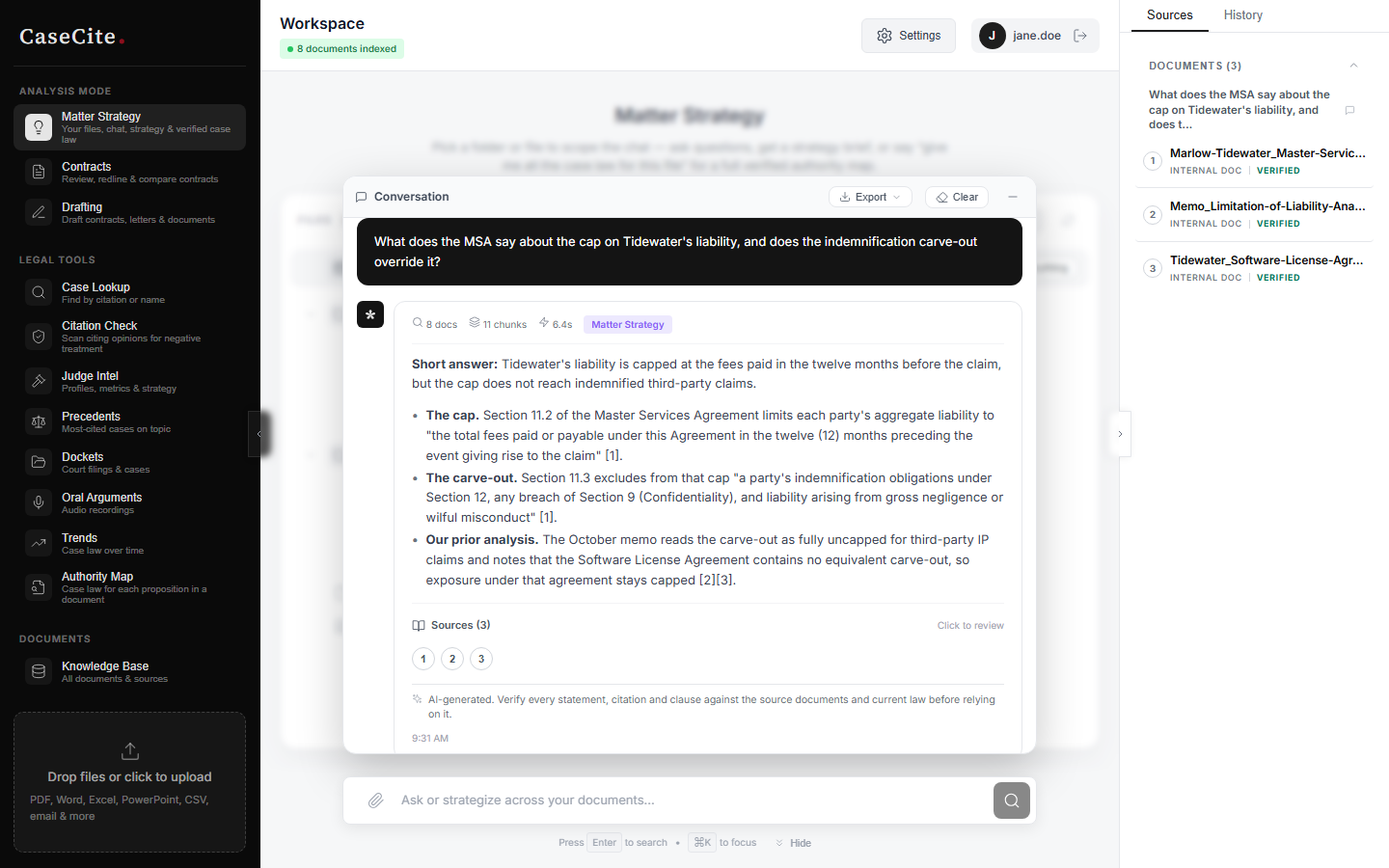
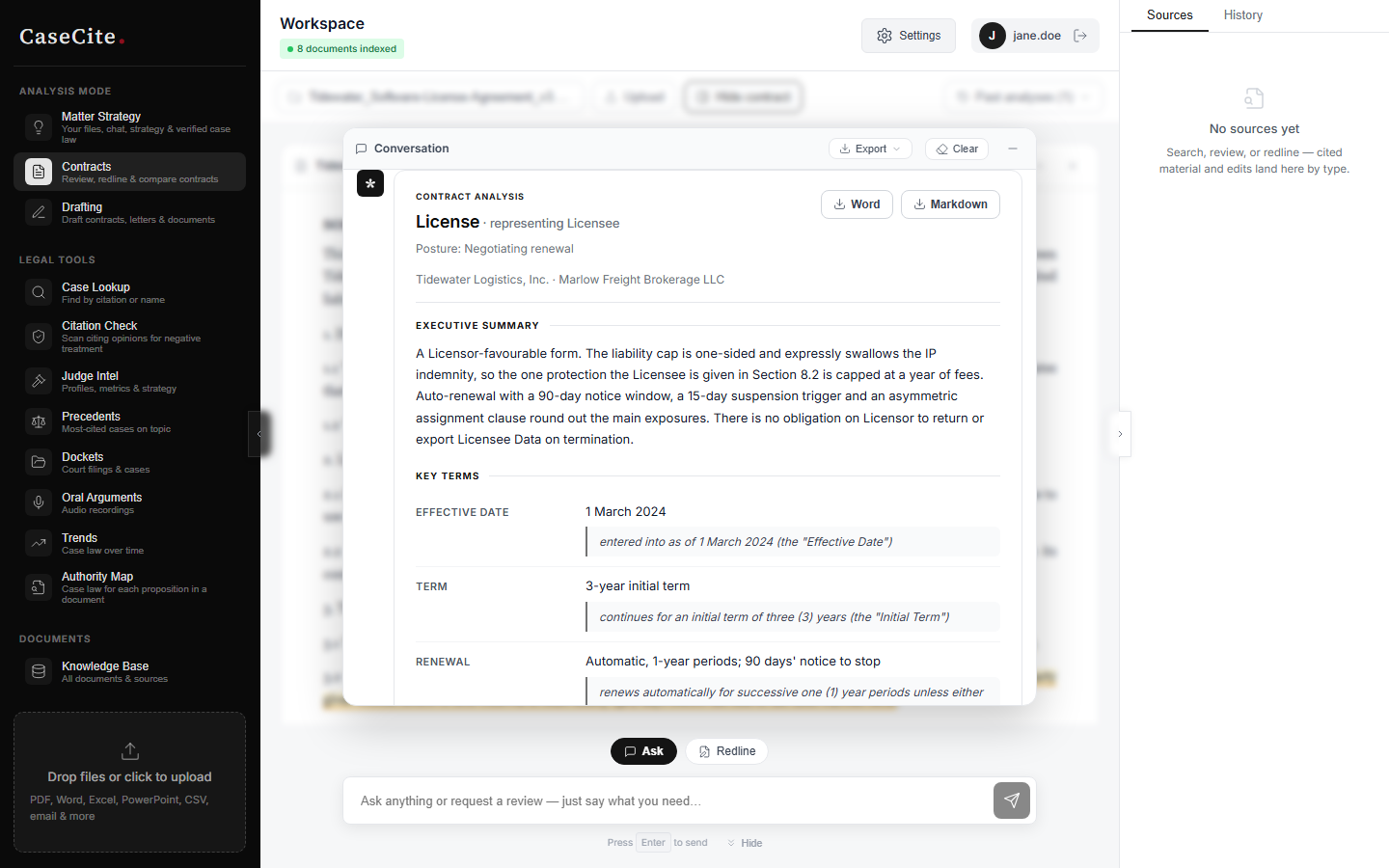
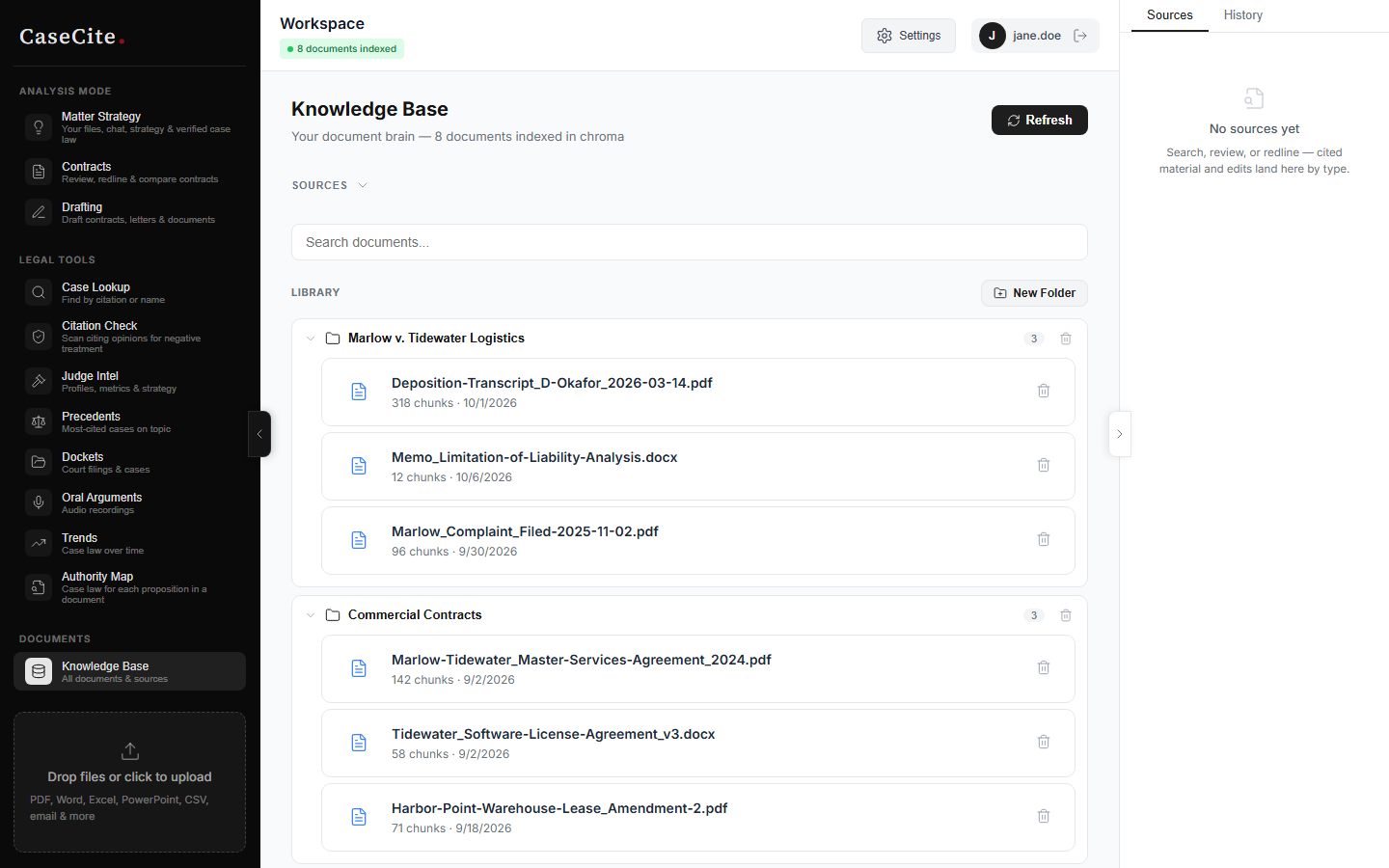
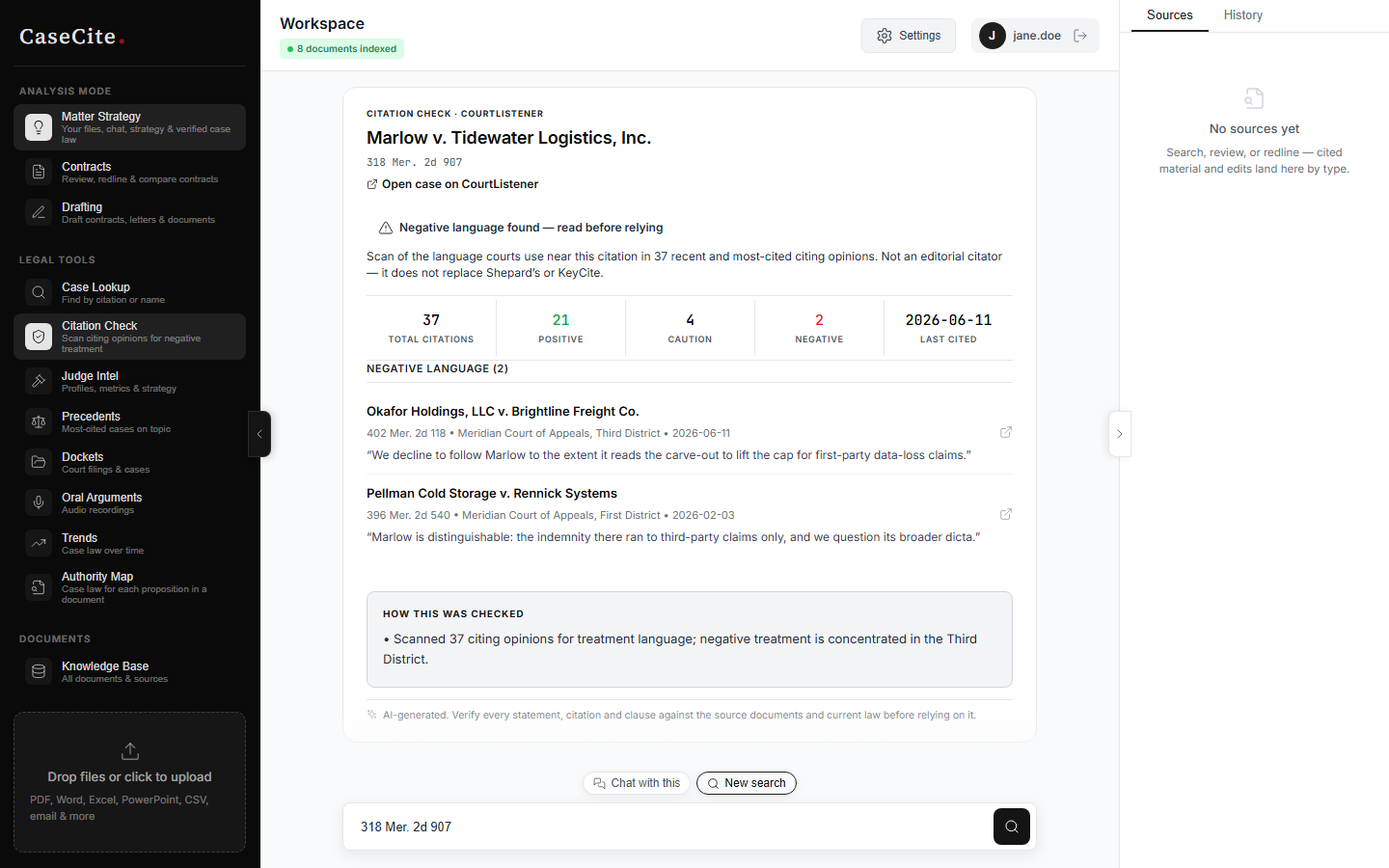
Screenshots were captured from the real interface using fictional firm, matter and case data. No real client or case appears.